The Spark app
What the iPhone app does, the four tabs, what it needs to run, and how to do each job in it.
3 min read
Spark for iPhone is the borrower side of Spark as an app: sign in, fill in an application, send documents, watch where it has got to. The same things the website does behind Apply, in the shape of a phone.
It needs iOS 26 or later. There is no Android app and no iPad-specific version.
It is the same account
There is no separate app login and no separate application. The app is a second window onto the same record: start at your desk, finish in a queue, and the work moves with you. Signing in on the phone does not sign you out of the laptop.
Applications
Everything you have started, newest first, each with its reference, what you asked for — or what was approved — and where it stands.
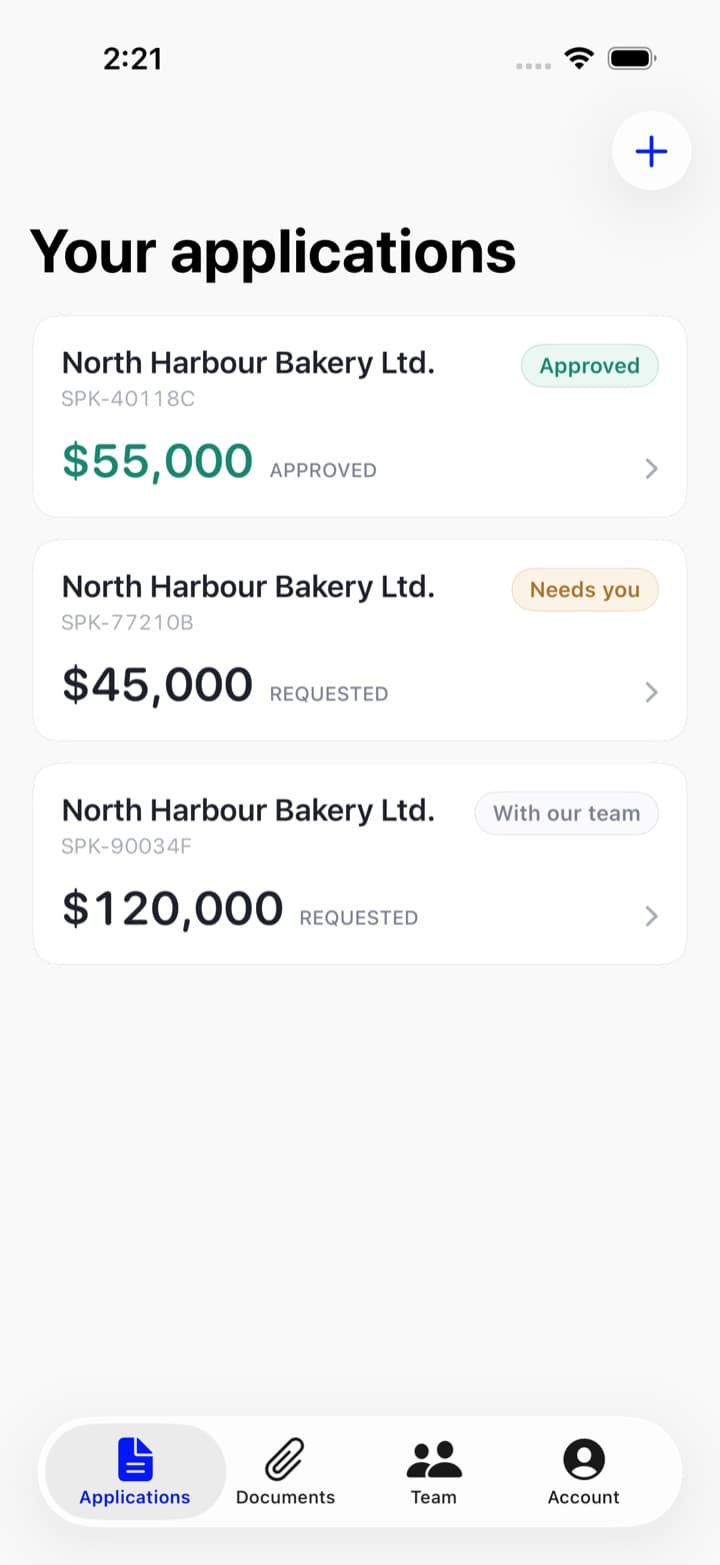
- Tap an unfinished one and it reopens the wizard on the step you left.
- Tap a sent one and you get the tracker, the terms if there are any, and its documents.
- Start another with the + at the top right — or, if you have none at all yet, the Start an application button in the middle of the empty screen.
Documents
Everything you have sent us, and the fastest way to send something else. Choose what the file is, choose which application it belongs to — Not sure yet is a valid answer — then Choose a file for Files and iCloud Drive, or the button beside it for your photo library.
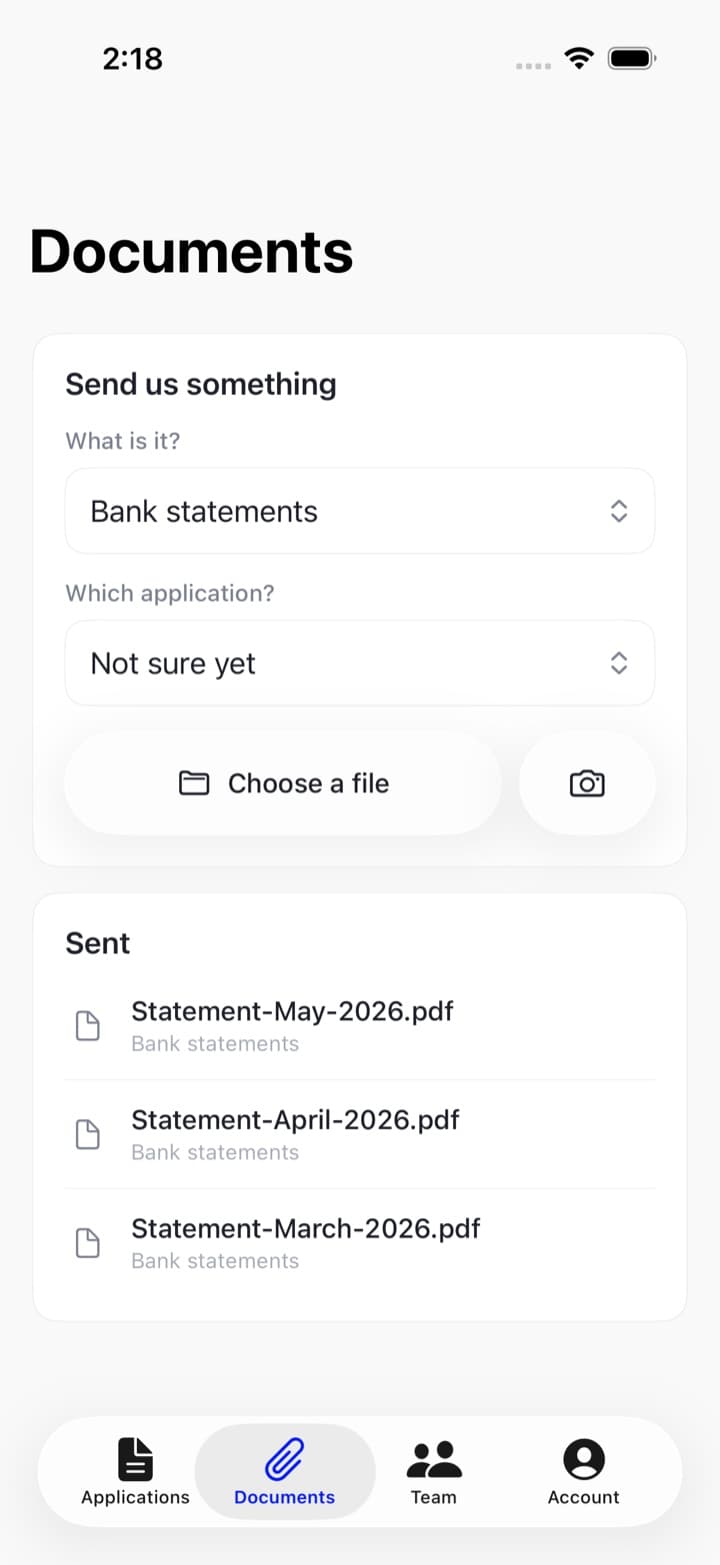
There is no camera inside Spark. Photograph the document in the Camera app first, then pick it here. See file types and sizes.
Team
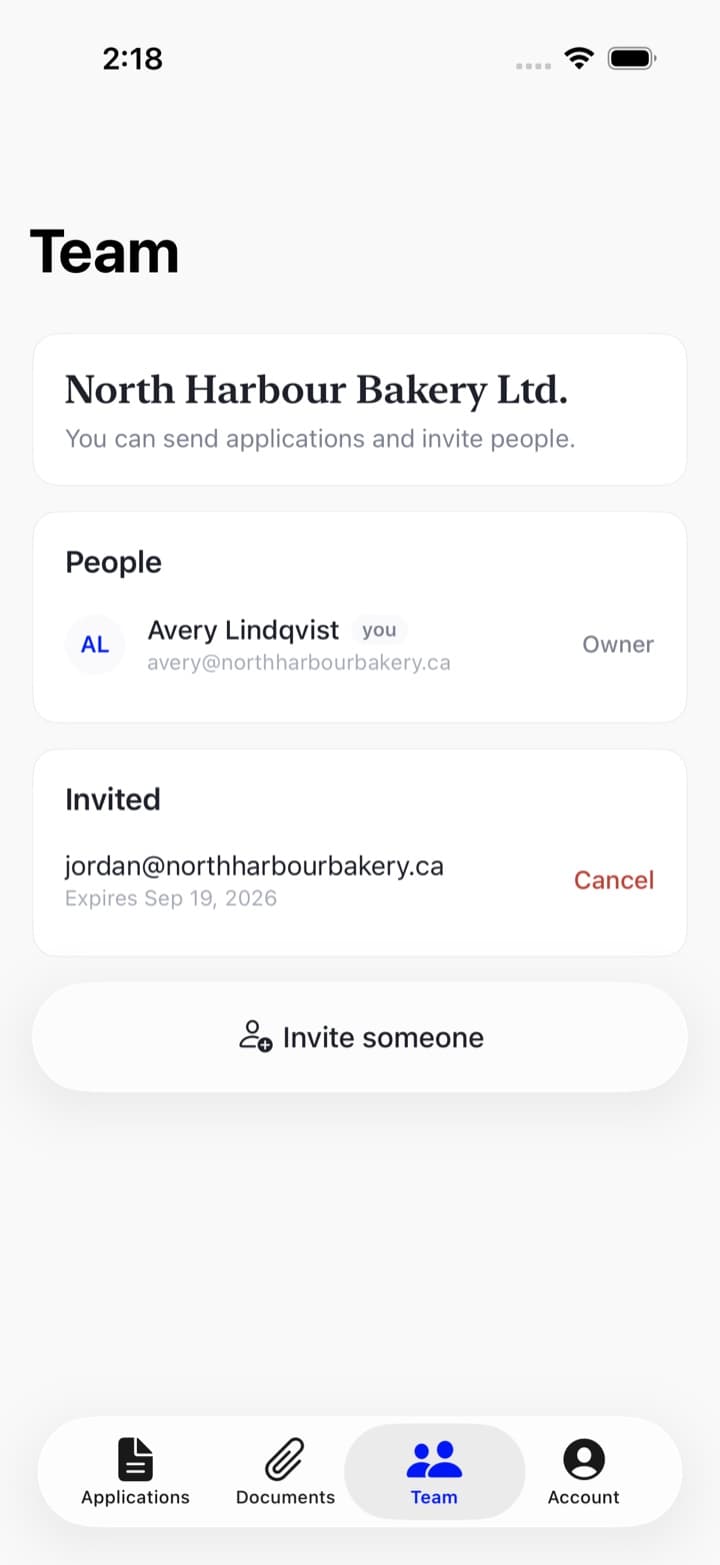
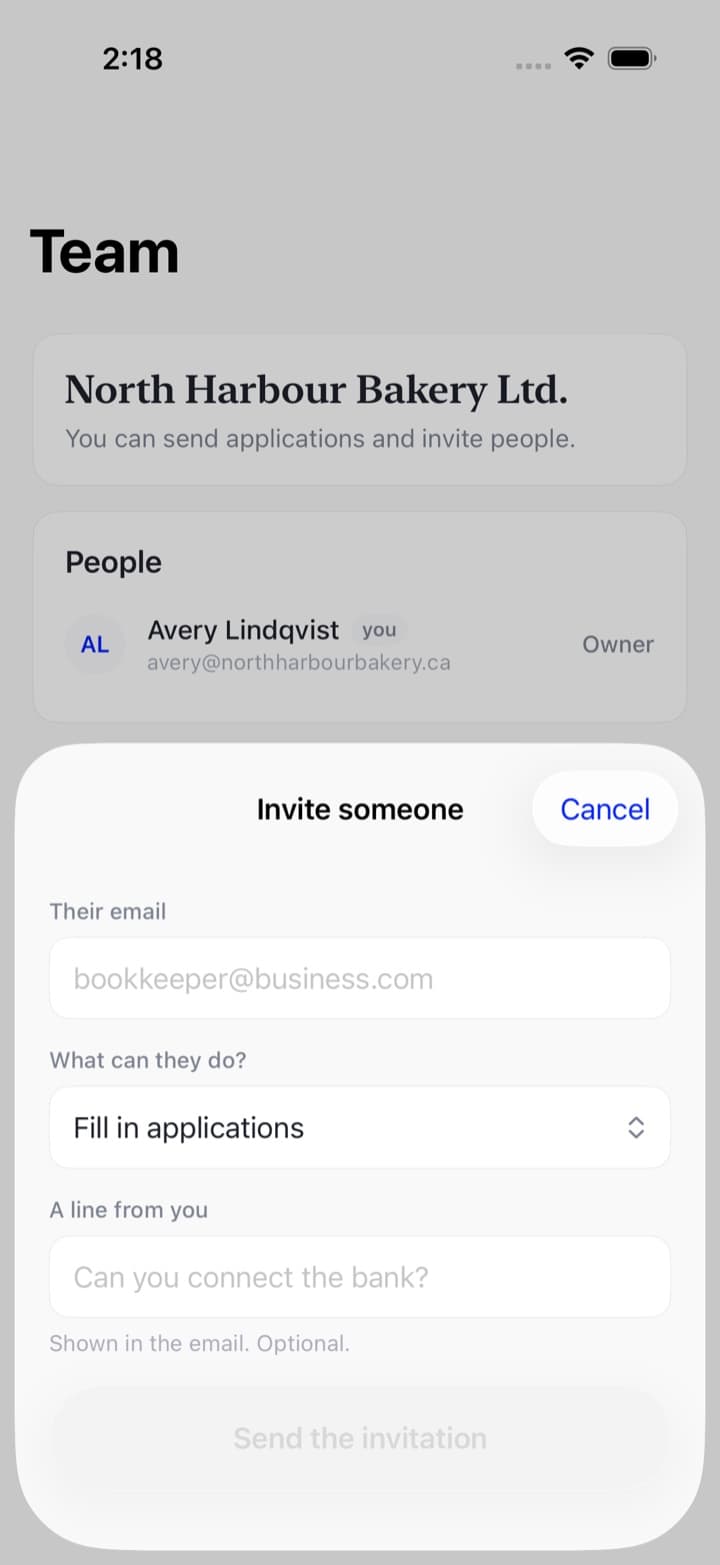
The people who can work on your business's applications, their roles, and any invitations still outstanding with the date they expire. If you are an owner you can invite somebody, change a role, remove a member, or cancel an invitation — all from this screen. If you are an employee it is a read-only list.
Account
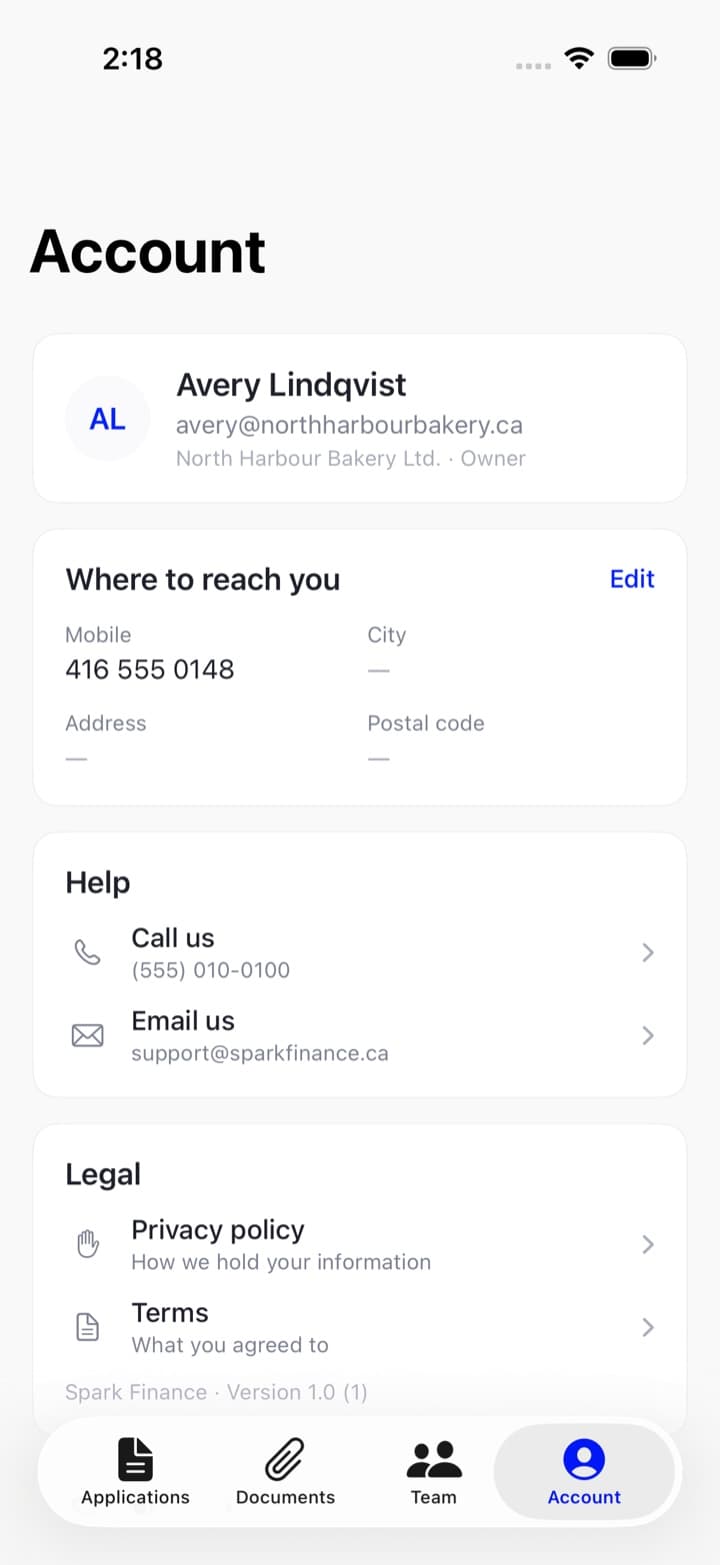
You rather than the business: your name and email, the team you belong to and your role in it, where to reach you — editable here — how to get help, the legal documents, and how to leave.
What it will not do
It does not decide anything for itself: whether an application can still be edited, what is outstanding before it can be sent, how far through it is, even the wording of the eleven questions all come from our server. What that means for you is that the app cannot be a version behind the website about what your file needs.
It also cannot delete a document (nobody can — see if you sent the wrong document), and it cannot change your name or your email.