Using the app and the website together
One account, one set of applications, two places to work on them — and which surface is better for what.
2 min read
Nothing has to happen in one place. The most common way people actually use Spark is to start on a laptop, upload the statements there, and then check on it from the phone for the next few days.
What is shared
Everything. The applications, their drafts, the documents, your team, your details, your identity check. There is one record and two ways to look at it.
Which means, concretely:
- A step filled in on the phone is filled in on the laptop, immediately.
- A document uploaded at your desk shows up in the app's Documents tab.
- Verifying your identity in one place verifies it in both, for ever.
- Signing in on a second device does not sign you out of the first.
Which to use for what
A laptop is better for the first pass through the form, because your statements are already in a folder, and typing an address is faster than typing an address on a phone.
The app is better for photographing paperwork, answering a request for one more document, and checking where things have got to.
Either is fine for everything else.
The website on a phone
There is no need to install anything to use Spark on a phone — the website works there too, and it is the same account and the same applications.
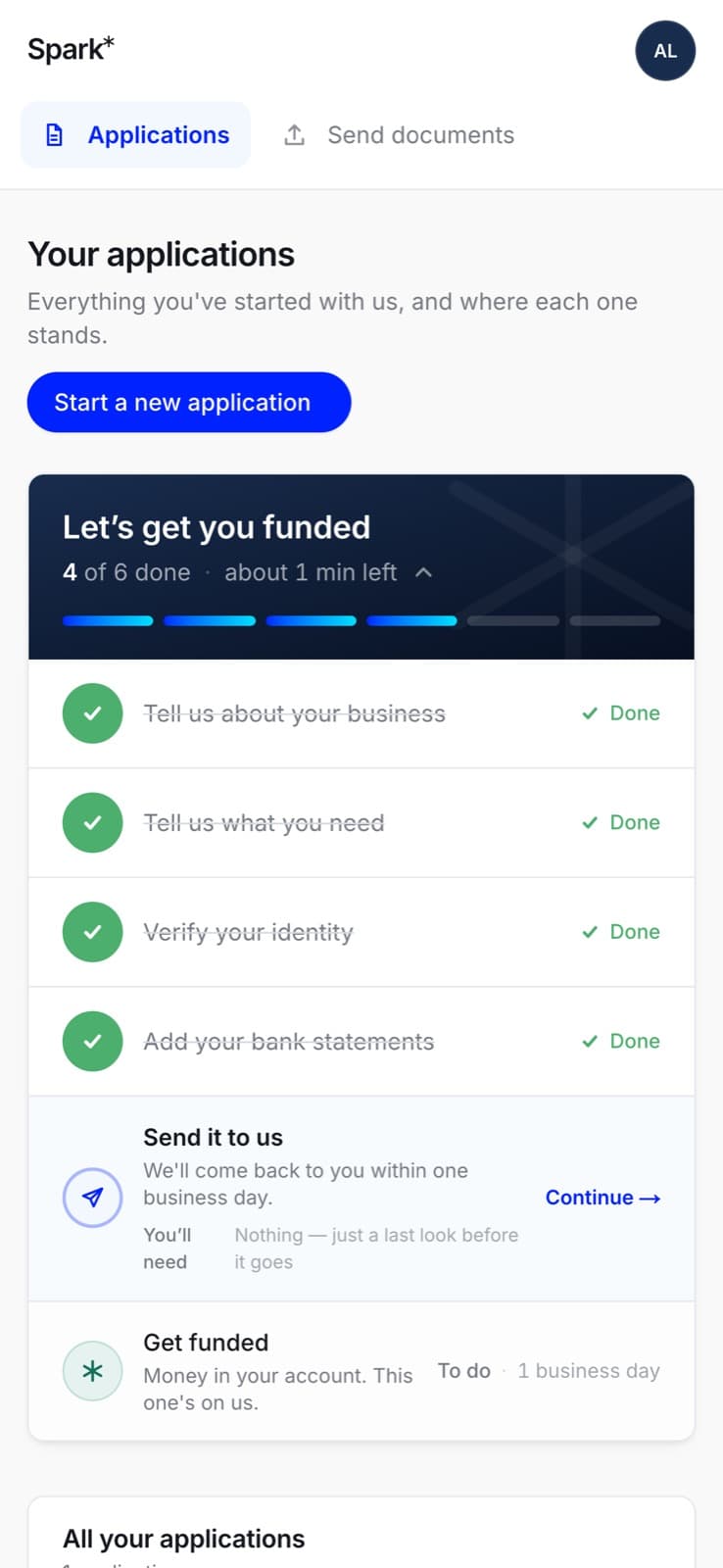
The app is nicer for the things listed above; it is not a requirement for any of them.
If the two look different
They cannot disagree about your file — the app asks our server what is true rather than keeping its own copy. What they can do is show you something a few minutes old. Pull down to refresh in the app (on any of the four tabs, or on an application you have sent), or reload the page on the web. An unfinished application in the app does not pull to refresh; back out to the list and open it again.
If something still looks wrong after that, see when the app misbehaves.