Signing in
Where to sign in on each surface, what to do when it will not let you, and what one account covers.
2 min read
One account covers everything: the website, the app, every application your business has ever started. Signing in on a second device does not sign you out of the first.
On the web
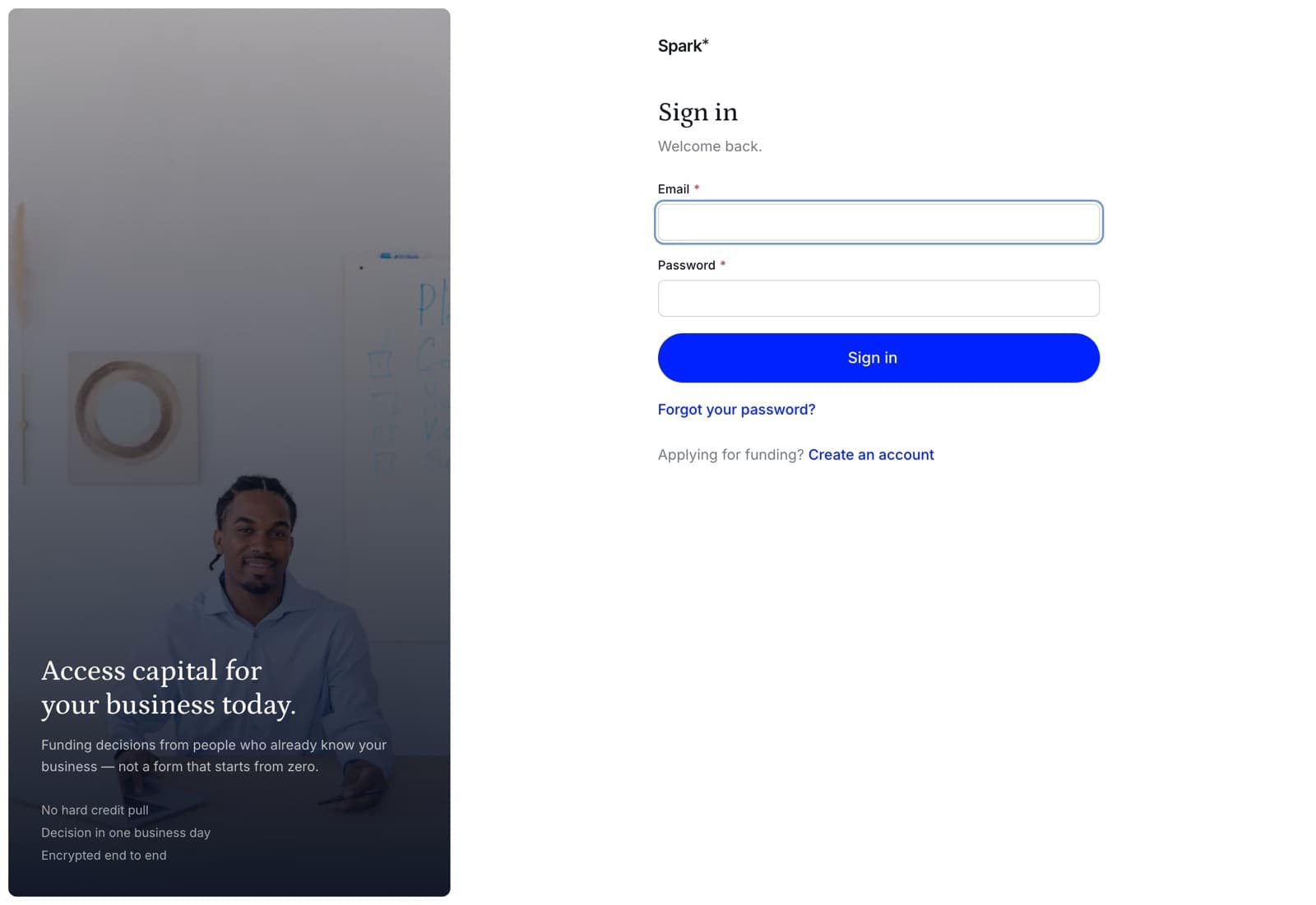
Sign in at the top right of sparkfinance.ca, or go straight to the sign-in page. Your email and your password.
In the app
I already have an account on the welcome screen, then the same two fields.
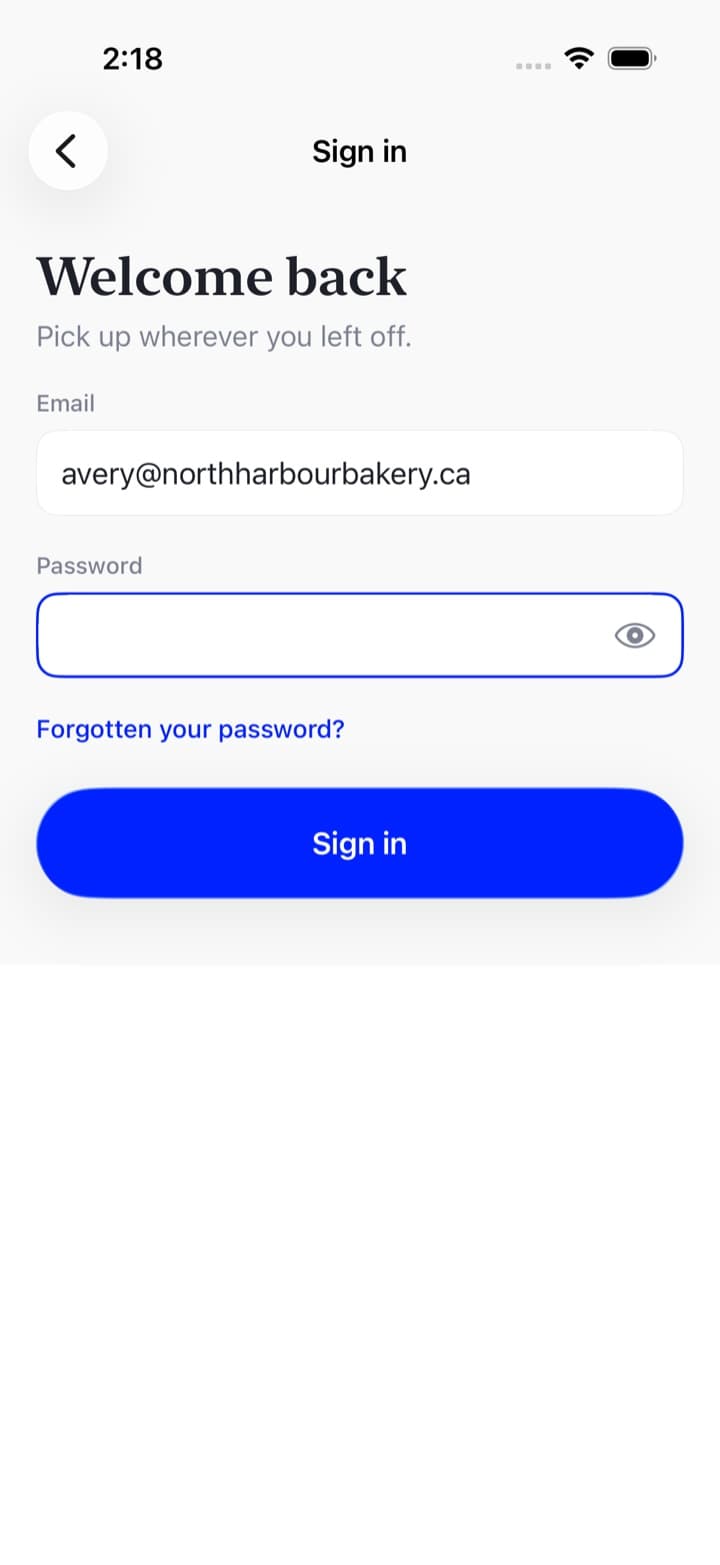
The app stays signed in between uses. You do not have to do this every morning.
When it will not let you in
It says the email and password do not match. One of the two is wrong, and the message deliberately does not say which — telling you which half was right tells anybody who tries. If you are not sure, reset the password; it takes a minute and always works.
"That account has been deactivated." Somebody at your business, or at ours, has turned the account off. Talk to whoever runs your team, or call us.
You are signed in as staff. If you work at Spark as well as borrowing from it, those are two different accounts. The page says so and offers to sign you out of the one you are in.
You followed an invitation and it will not take you. An invitation belongs to the address it was sent to. See someone invited you to help.
Signing out
On the web, your name at the bottom of the sidebar, then Sign out. In the app, the Account tab.
Signing out on one device leaves the others alone — so signing out of a shared laptop does not sign you out of your phone. A session that nobody signs out of lasts thirty days.
What you cannot do from the sign-in page
Change your email. Your email is what you sign in with and where decisions are sent, so it is not something a form changes on its own: call us and we will do it with you.