Closing your account
How to delete your account, exactly what is removed, and what we are required to keep.
2 min read
You can close your account yourself, at any time, without asking anybody.
How
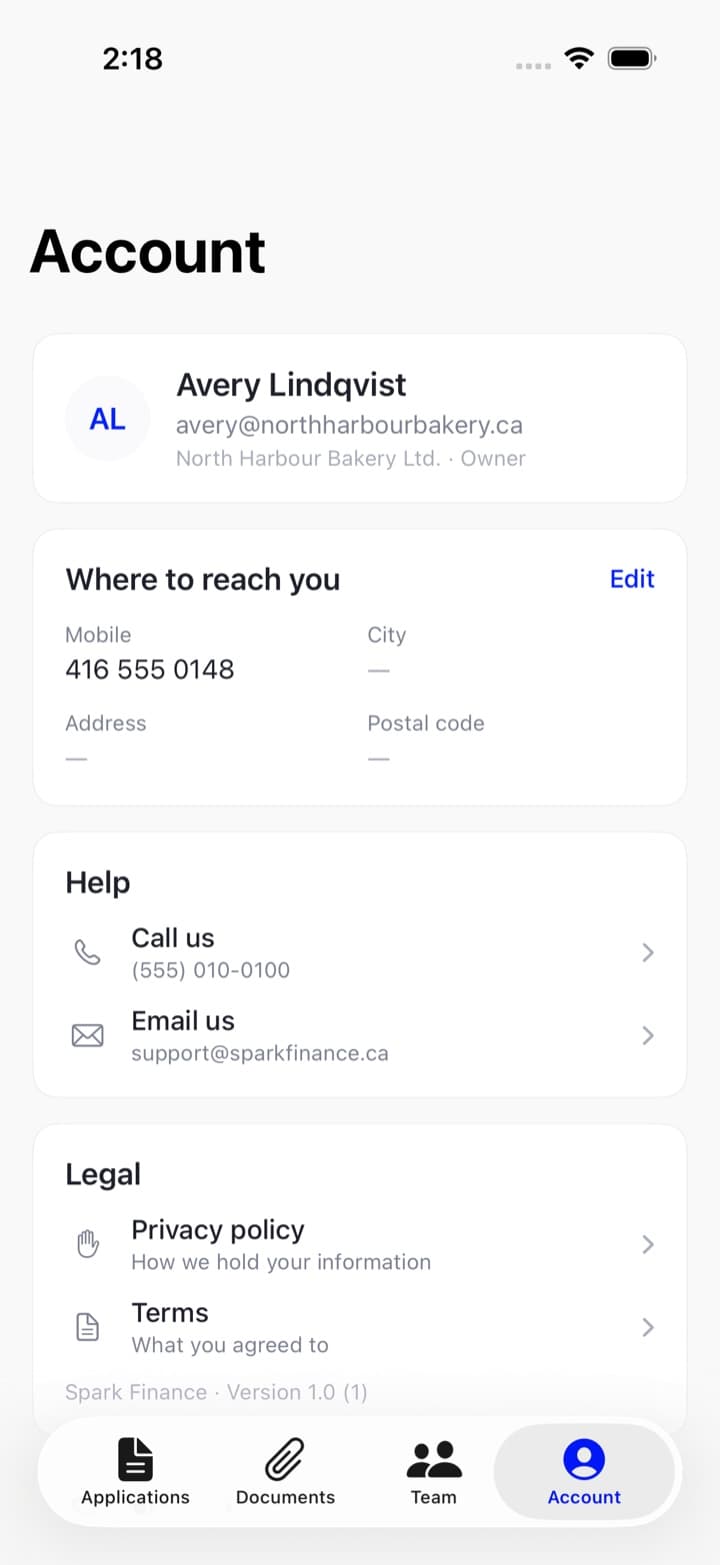
In the app: the Account tab, then Close your account. It asks for your password, because it cannot be undone.
On the web there is no button for it. Email [email protected] from the address on the account and we will arrange it — the same deletion, described below. If you have the app, doing it there is immediate.
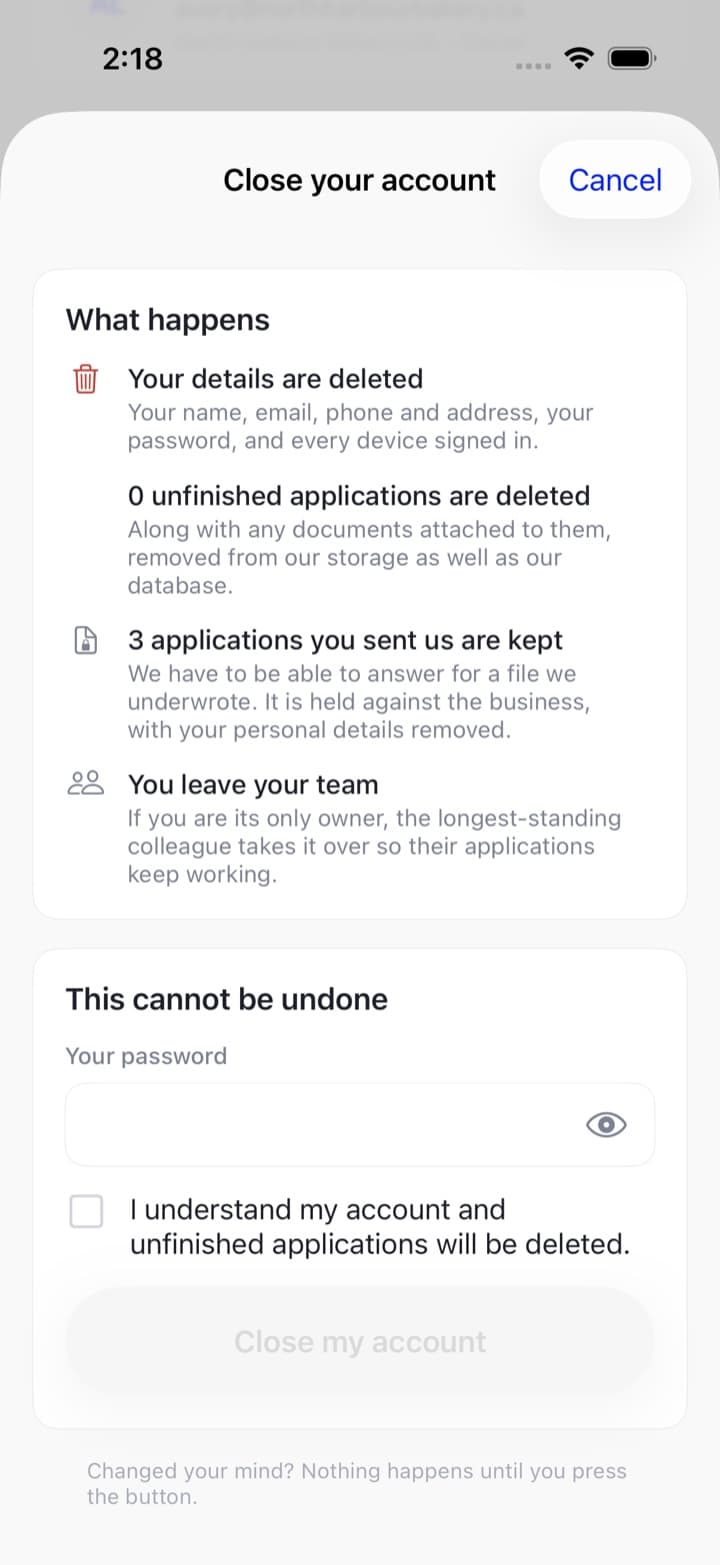
Before anything happens it tells you exactly how many of each thing will go and how many will stay, asks for your password, and asks you to tick that you understand. Read that screen — it is the honest summary, not a warning banner.
What is deleted
- Your name, email, phone and address
- Your password
- Every device signed in
- Any application you never sent us — along with the documents attached to it, removed from our file storage as well as our database
What is kept
Applications you did send us. We are required to be able to answer for a file we underwrote, so those are kept against the business rather than against you, with your personal details removed.
What happens to your team
You leave it. If you were its only owner, the longest-standing colleague on the team becomes the owner, so the business's applications keep working rather than becoming unsendable.
Any invitations you sent that nobody has accepted stop working. Drafts your colleagues started are theirs and are not touched — the deletion covers the applications you authored.
If you are leaving because something went wrong
Call first. An application that was declined is not a verdict on the business — and quite often the thing that would change the answer is one that changes on its own in a few months.