Creating your account
What we ask for at sign-up, what your password has to be, and why the account is made before the application rather than after it.
4 min read
The account is created first, before any of the questions about your business. That is deliberate: from the moment it exists, every answer you give is saved against a real record. You can close the laptop on step four and nothing is lost, and if you call us, the person you speak to can see the screen you are actually looking at.
What we ask for
Five fields, and all five are used:
- Business email. Use the address you use for the business. It is where the decision goes, where a request for a missing document goes, and what you sign in with.
- First and last name. Yours, as they appear on the ID you will verify with later.
- Phone. A mobile you answer. Most files that stall, stall over one question somebody could have answered in a thirty-second call.
- A password. The rules are below.
Your password
Five rules, and the field ticks each one off as you type rather than refusing you at the end:
- at least 8 characters
- an uppercase letter
- a lowercase letter
- a number
- a special character
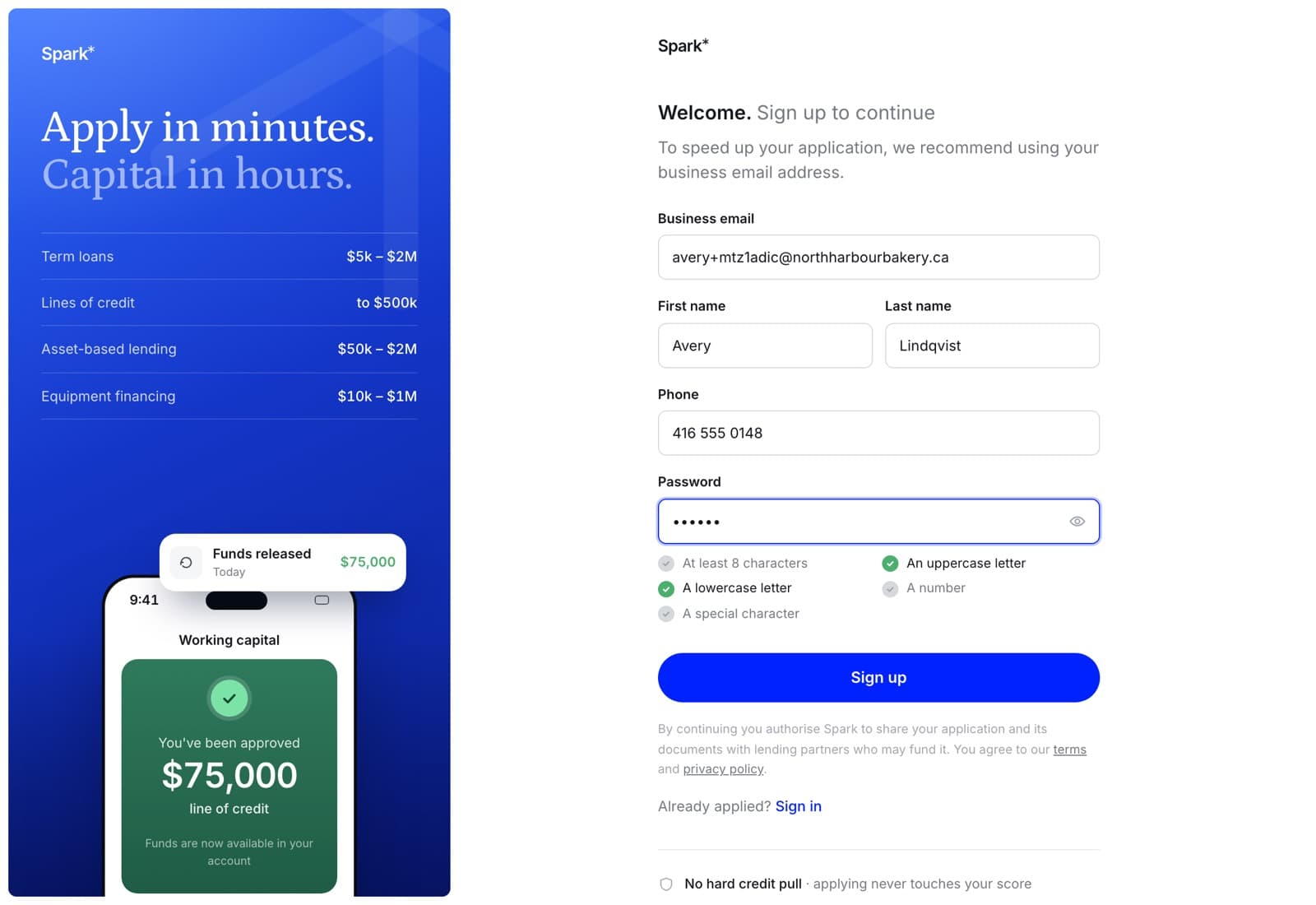
The same five rules apply when you reset it later — a rule enforced in one place and not the other is not a rule.
One exception worth knowing: if you are joining somebody else's team from an invitation, that form asks only for eight characters or more. Use a real password anyway.
What signing up commits you to
Continuing authorises us to share your application and its documents with the lenders who might fund it. That is the whole point of applying through a brokerage: one application reaches the lenders we work with rather than you filling in eight of them. It is recorded against each application separately, so a second application next year is a second permission.
It does not commit you to taking anything. Nothing shown to you before an underwriter has read the file is an offer, and every screen that shows a number says so.
The same paragraph links our terms of business and our privacy policy, which are the long versions of what you are agreeing to and what we do with what you send.
On the web
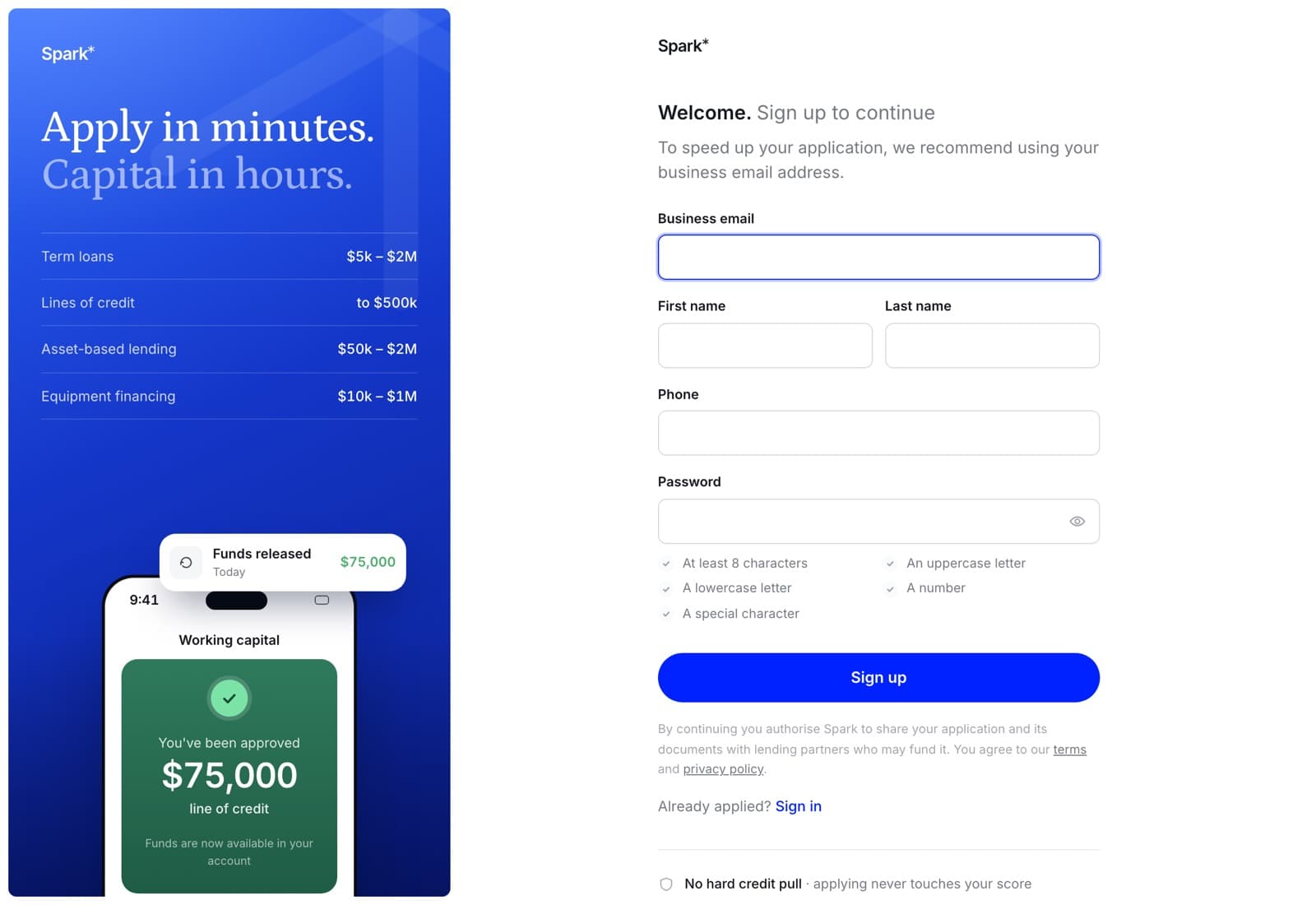
Underneath the form are the three things people ask about at this moment, answered before they have to ask. Applying does not affect your credit; a hard pull happens only after you accept an offer. Everything is encrypted in transit and at rest. We never sell your data.
In the app
Tap Apply for funding on the welcome screen. The same five fields, the same password rules — they are sent to the app by the server rather than written into it a second time, so they cannot drift apart from the website's.
If you already have an account
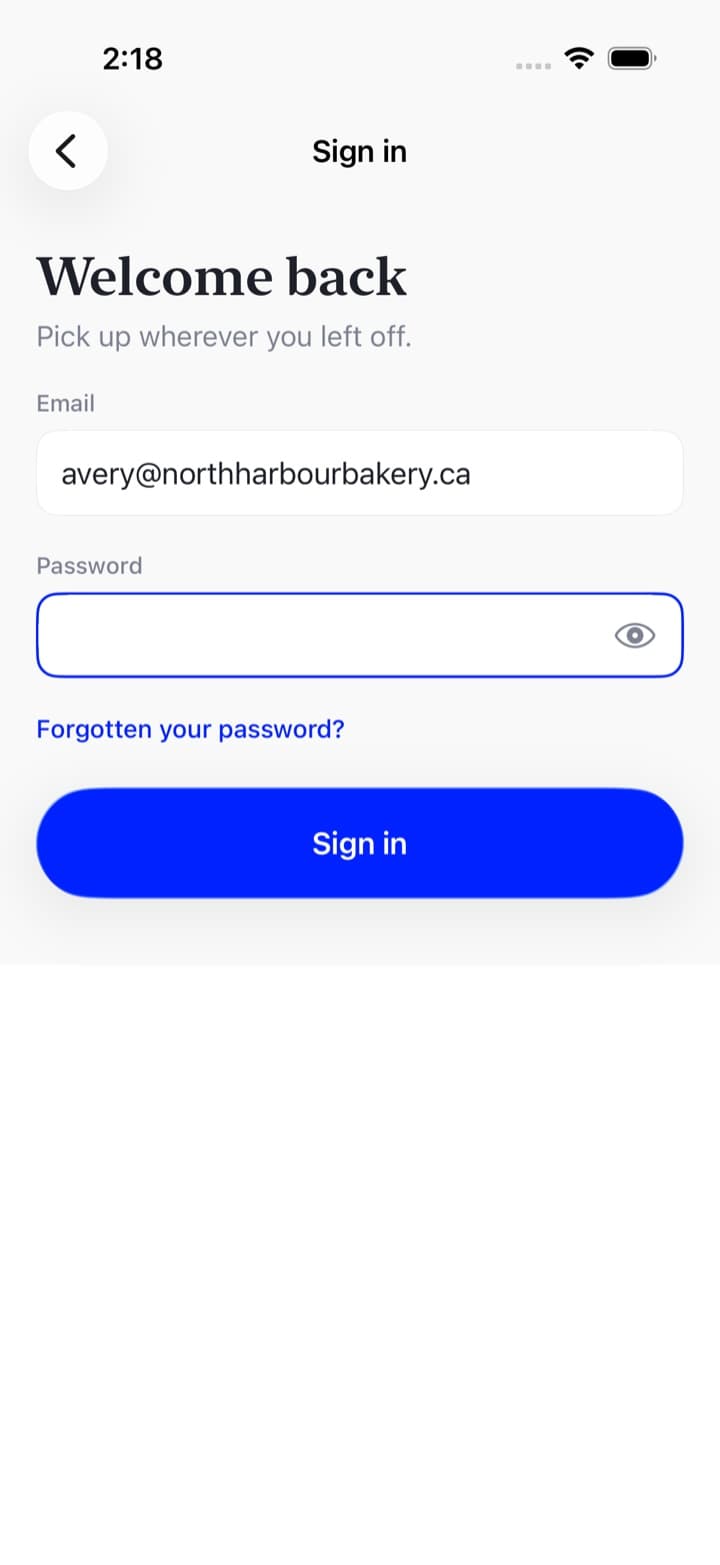
Signing up again with the same email will not work — an address has one account. Use sign in, or reset the password if that is the part you have lost.
The first time you land in the portal
A short tour runs on the first visit — five stops, three on your applications page and two on the Team screen — and it points at the real page rather than at pictures of it. Skip for now dismisses it and it does not come back.
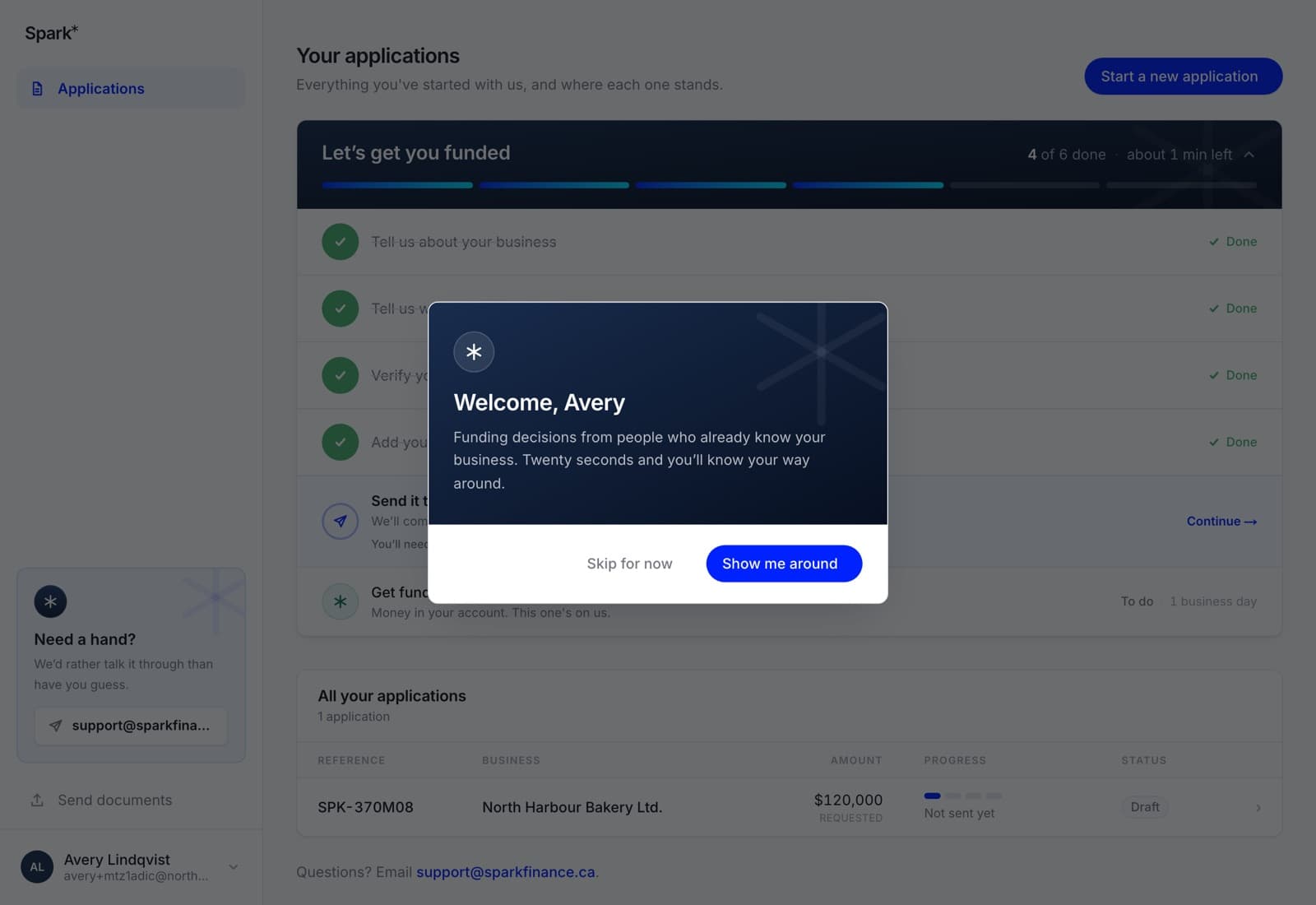
If you skipped it and want it after all, it is under your name at the bottom of the sidebar: Welcome aboard.
The app has no tour. Its four tabs are the whole product, and the Spark app is the written version of the same twenty seconds.