Verifying your identity
What the ID check is, what it does with your documents, what to do when it fails, and why you only ever do it once.
3 min read
Every lender has to know who is behind a business before funding it. The ID check is how that happens, and it takes about thirty seconds.
What you need
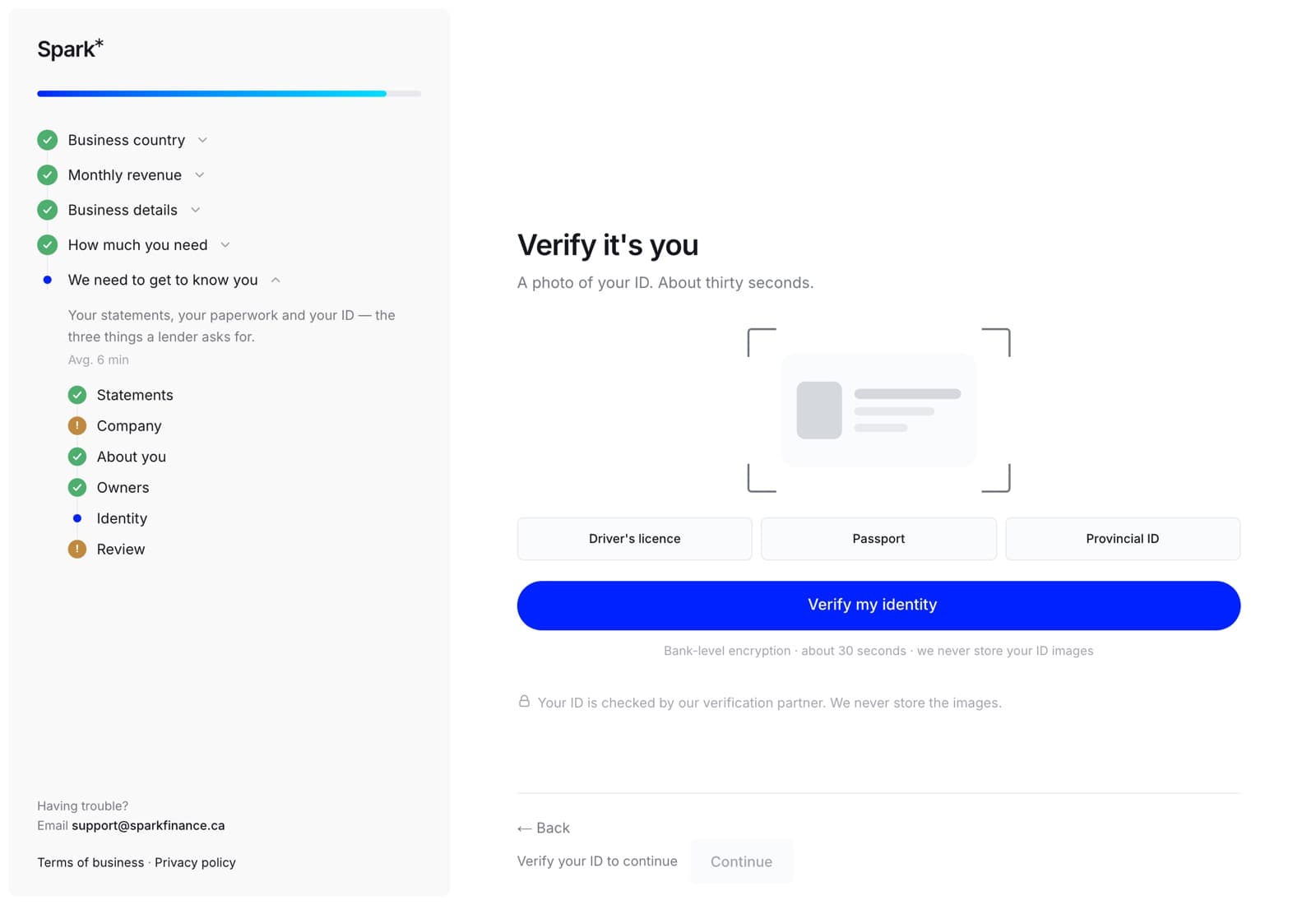
One of:
- a driver's licence
- a passport
- a provincial ID card
And a camera. If the device you are applying on does not have one, finish this step on your phone — it is the same account and the same application, so nothing else has to move with you.
What happens
The step hands you to our identity provider, in a window we do not get to read. When the check passes, the provider sends back its decision and a copy of the front and back of your document. That copy goes on your file, because the lenders we place applications with ask to see it. The selfie stays with the provider.
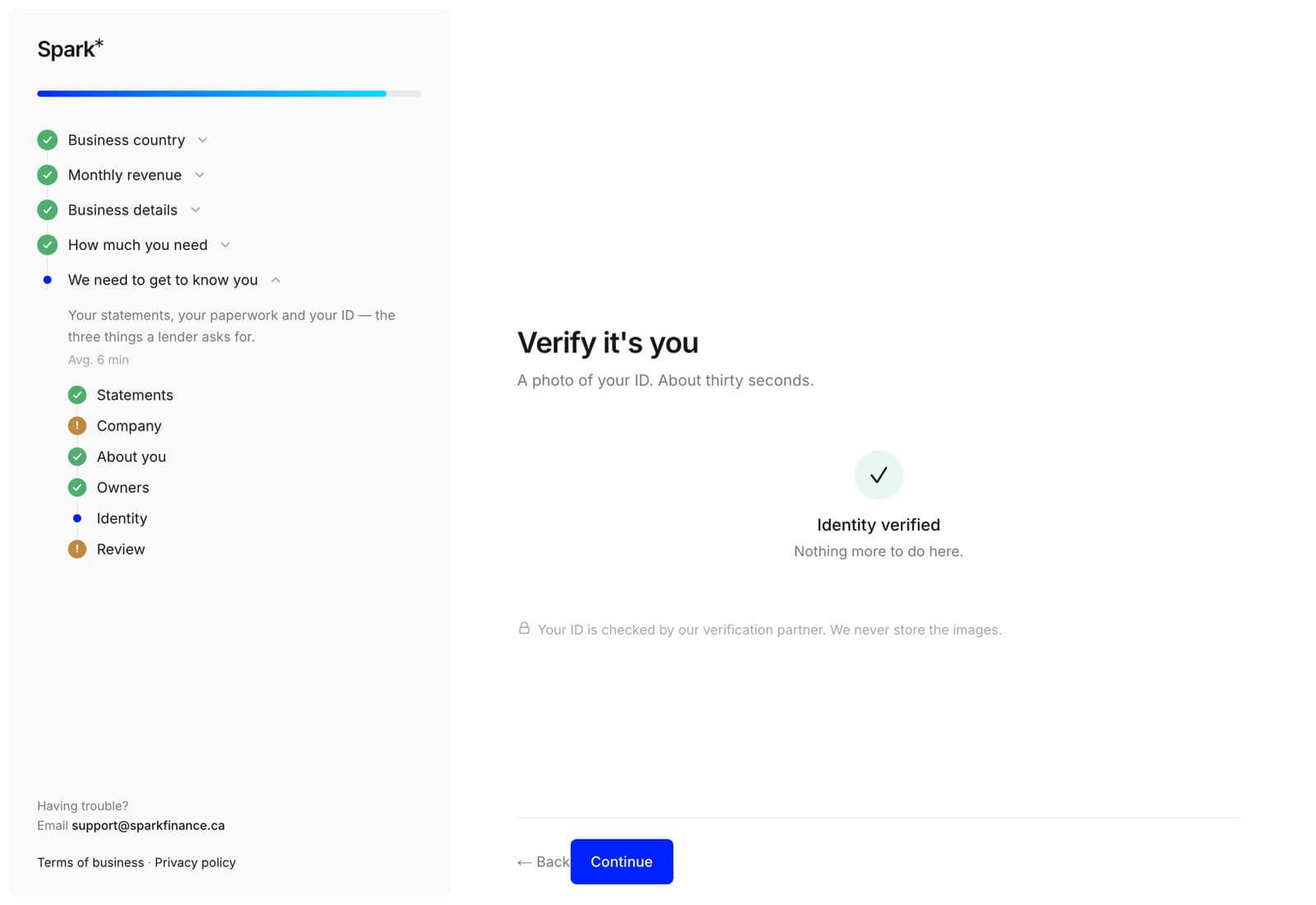
When it passes, the step says so and the application carries on.
Once, not every time
A passed check is permanent. You will not be asked again — not on this application and not on any future one.
If it does not pass
"That check didn't go through." The check ran and could not confirm you. Try again in good light, with the whole document in the frame and no glare across it. A licence in a plastic sleeve, a dark kitchen at 11pm and a cracked phone screen are the three usual culprits.
"We couldn't start the ID check just then." Different thing entirely: nothing was checked and nothing is wrong with your licence — the provider did not answer. Try again in a moment, or carry on and call us and we will do it with you.
"Being checked." Your ID is with a human reviewer, which usually takes a few minutes. You can carry on with the rest of the application; we will email you if anything else is needed.
On the web
The step sits between Owners and Review. It is one of the three steps the wizard will not let you walk past — the other two are the bank statements and adding at least one owner — and it is one of the two things the send button checks. Until it has passed, Continue stays put and greys out with Verify your ID to continue beside it.
In the app
The same hosted check, opened in a Safari window the app does not get to read, and the same decision comes back the same way. When you return to the app, it asks our server for the result rather than waiting for a notification — a missed message must never strand you on the one step you cannot skip.
The app words the two failures slightly differently from the website, and one of them offers a different way out:
- "That check did not go through. Try again, or call us and we will sort it out another way."
- "We couldn't open the ID check just now. Carry on, and your specialist will send you a link." Nothing was checked and nothing is wrong with your licence — carry on with the rest of the application and the link will arrive.