Owners and employees
Two roles and exactly one difference between them — an employee can fill in every part of an application, and an owner is the one who sends it.
2 min read
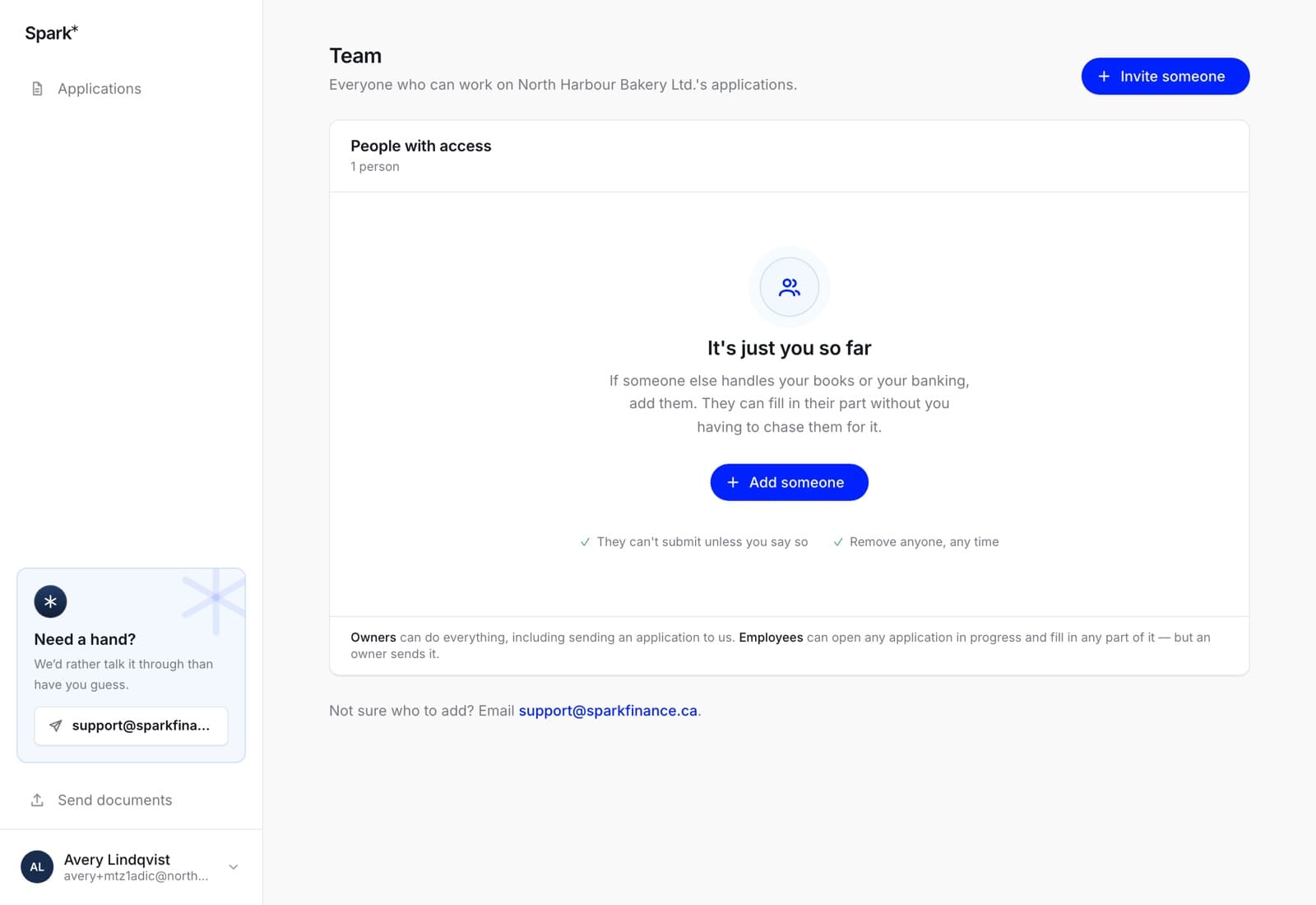
Everyone on your team can see and work on your business's applications. There are two roles and one difference:
- Owners can do everything, including sending an application to us and inviting other people.
- Employees can open any application in progress and fill in any part of it — but an owner sends it.
Why sending is the line
Filling in a form is work. Sending it is the moment the business asks somebody for money. That is a decision for whoever is entitled to make it, which is why an employee who reaches the review step is told plainly — only an owner can submit this, ask one of them to send it — rather than being handed a button that bounces.
Nothing an employee has filled in is lost when an owner takes over. It is the same application, and they do not have to redo any of it.
Who becomes an owner
Whoever starts the team — they signed up to borrow, so they are the one who can sign. After that, owners choose. You can invite someone straight in as an owner, or change a role later from the Team screen.
Every role change is read from the database at the moment it happens rather than from whatever the screen last showed, so a demoted owner with a stale tab open cannot still hand out invitations.
The one rule that cannot be broken
A team always keeps at least one owner. The last owner cannot be removed or demoted, because a team with nobody who can submit is a team whose applications can never be sent.
In the app
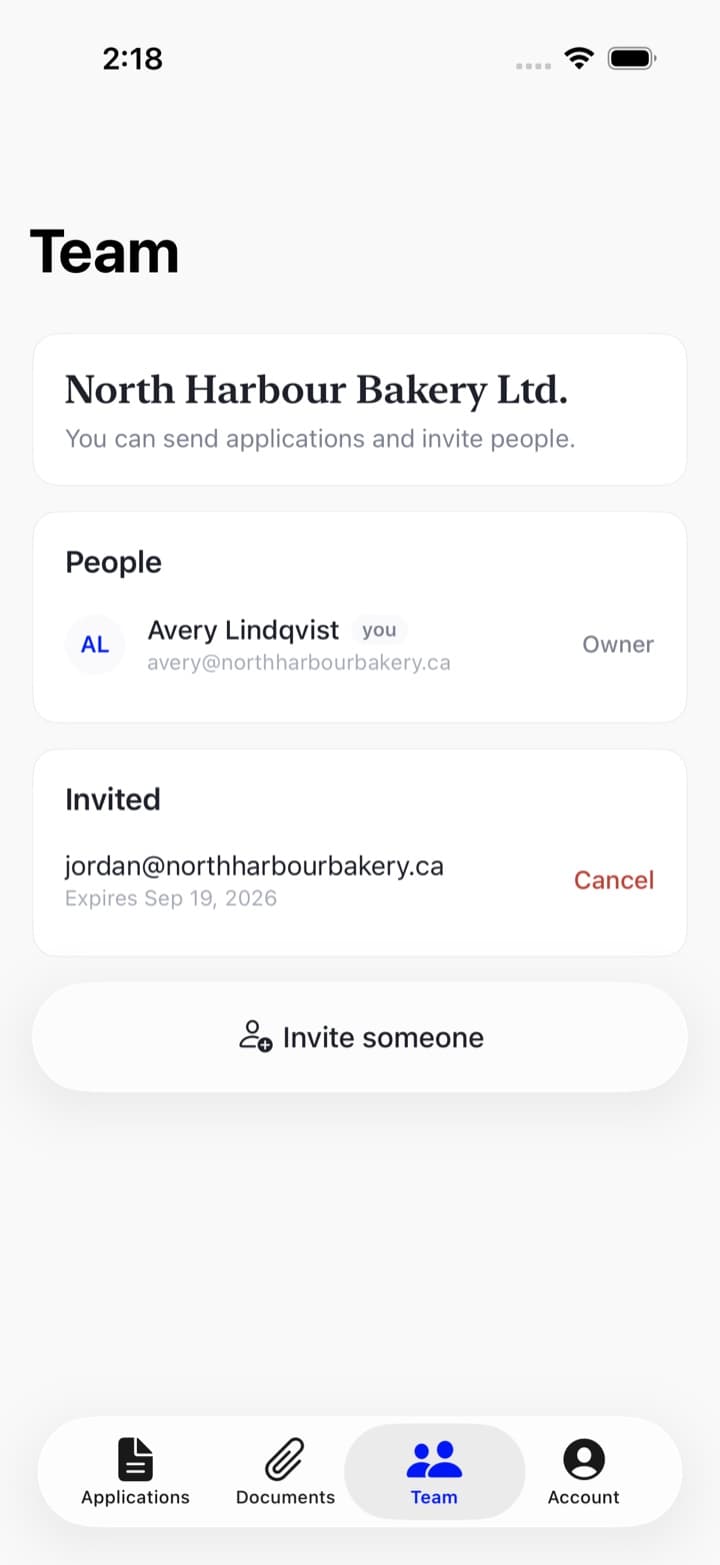
The Team tab shows the same people and the same roles, and an owner can do the same things there: change somebody's role, remove them, invite somebody new, or cancel an invitation. An employee sees the list and no controls.
The rules are the server's, not the app's, so the two surfaces cannot drift apart on who may do what.